Manage your MG on your smartphone
The MyMG mobile app is a convenient way to access MGFA resources and manage your MG right from your mobile device.
Developed with input from patients and caregivers, this state-of-the-art app enables patients to manage and track their myasthenia symptoms and treatments. All MG community members can access critical MGFA resources, including emergency materials, the MGFA Helpline, blog posts, and MG assistance and guidance.
MyMG has been refreshed in 2026, making it easier than ever to access resources you need.
- New and improved home screen makes it easier to find the symptom and treatment tracker, educational materials, and other resources.
- Call the MGFA Helpline directly from the app for fast support.
- Create your own unique MG patient profile with the new patient snapshot feature.
- Access emergency resources, including a list of cautionary drugs for MG patients.
- Find patient and caregiver stories and other news from the MG community.


Helpful Tips for Navigating the MyMG Mobile App
- You must register and set up a profile the first time you use the app.
- Add your contact information, create a password, and allow notifications.
- If you had a previous version of the app on your phone, make sure you update to the latest version, updated in 2026, or delete and reinstall the app.
- Once you get to the homepage, you can scroll down or up to access functionality sections.
- You can tap on the home button (it looks like a house) in order to get back to home screen.
- Use Bluetooth to link your Apple Watch or Fitbit health app stats to MyMG Mobile.
- Contact the Tech Support section if you have problems, or email the MGFA.
- Note that the app logs out automatically after a few hours.
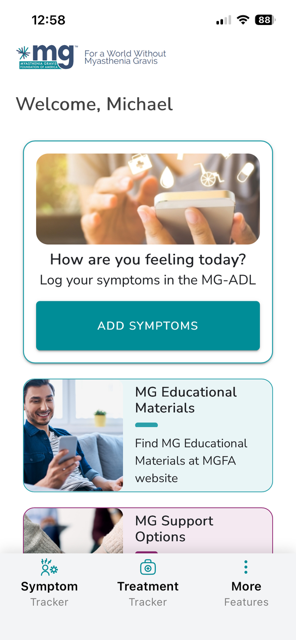
Easy-Access Homepage
Easily find the symptom and treatment tracker on the homepage.
Find Resources When You Need Them
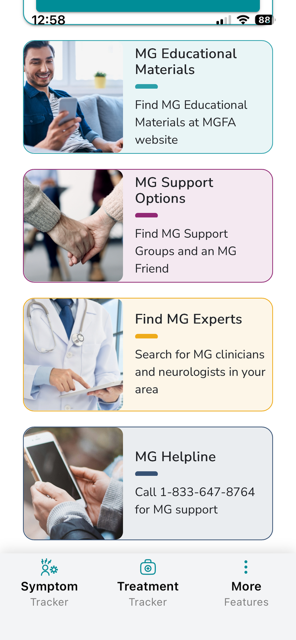
Search for MGFA Support Groups and MG experts in your area.
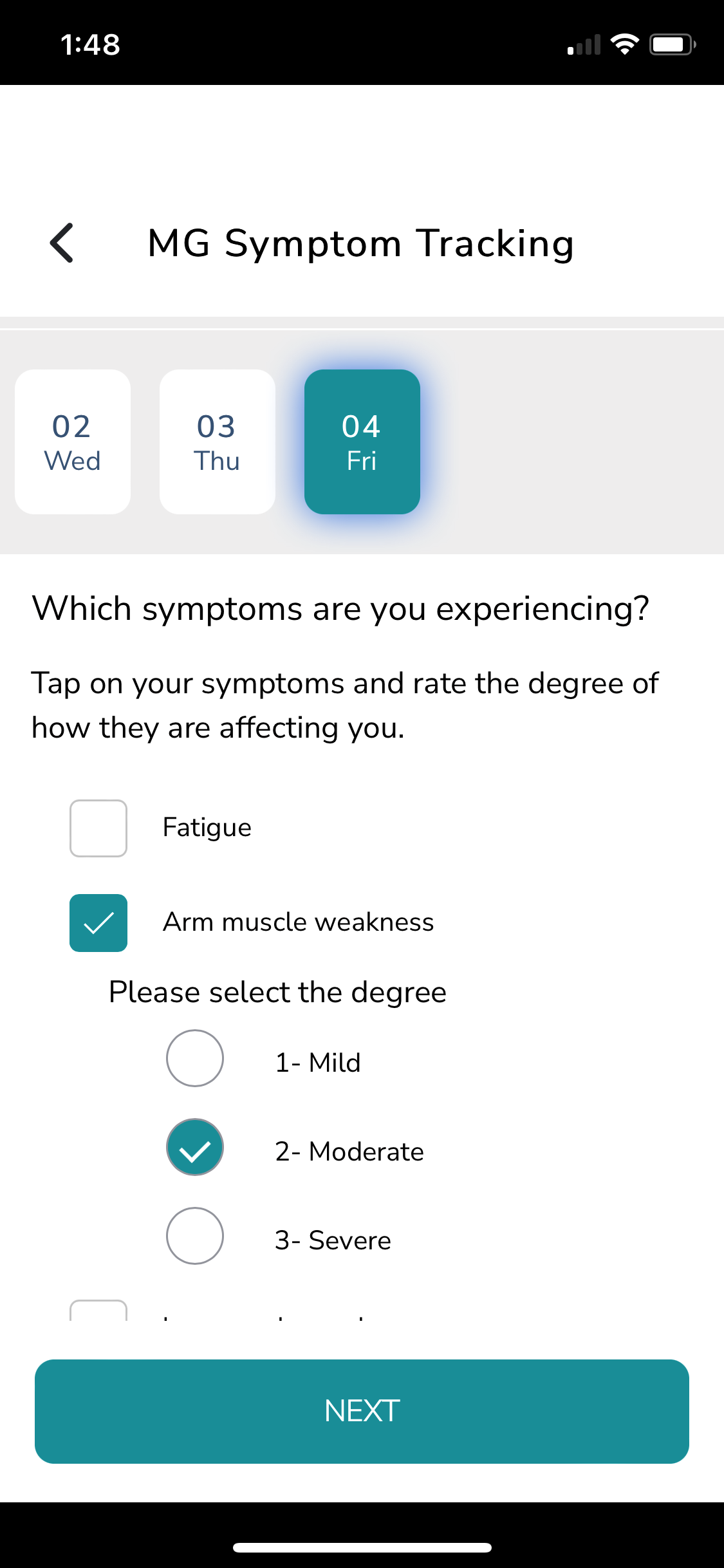
Track MG Symptoms
Enter your ongoing MG symptoms and track severity over weeks and months. This helps you keep track of your daily symptoms or show the graphs to your health providers.
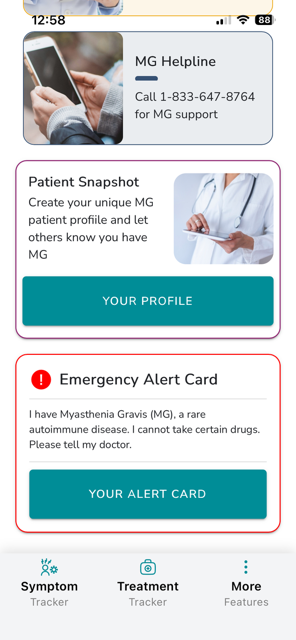
Create a Patient Snapshot
Create your own MG patient profile to explain how MG affects you.
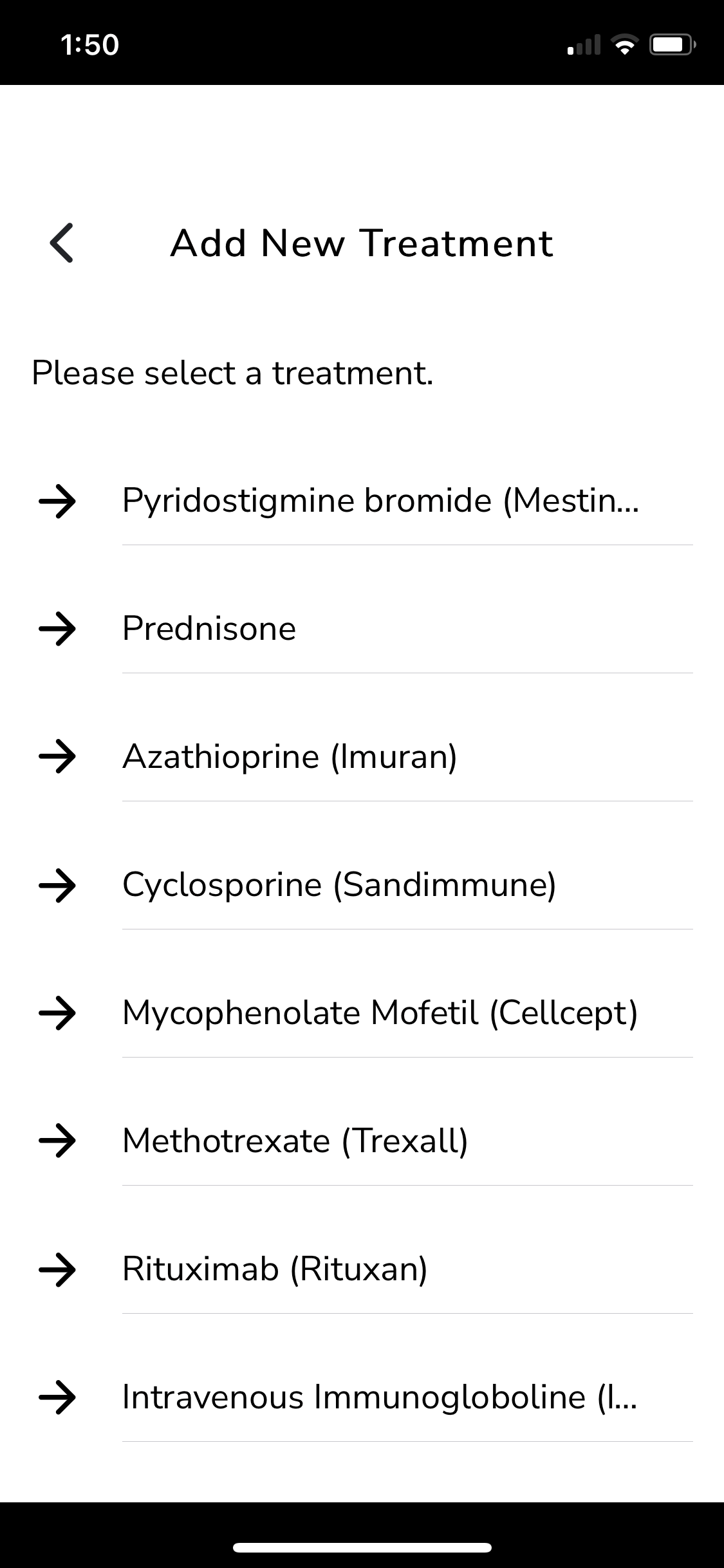
Track Current Treatments
Keep track of treatment time frames, usage, and dosage.
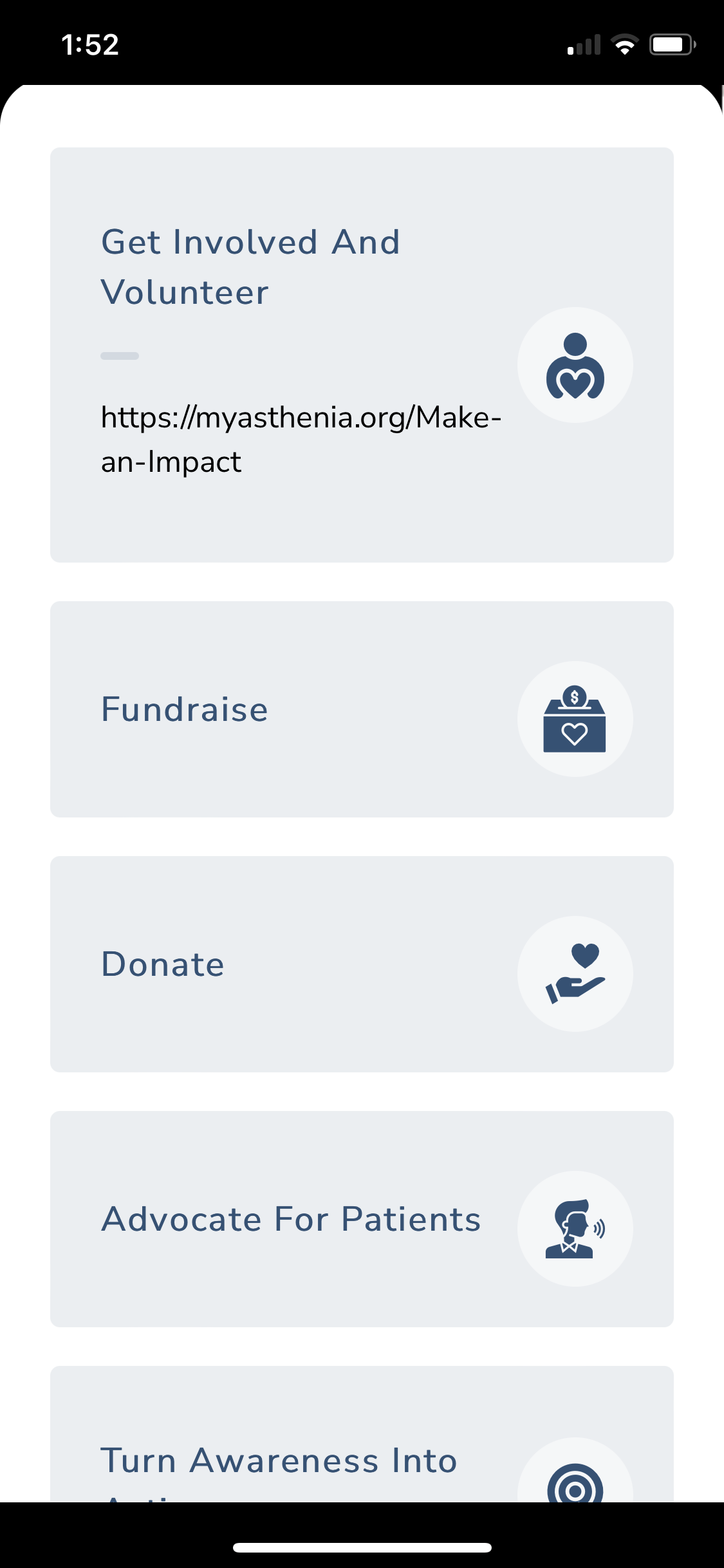
Get Involved with the MGFA
View a list of upcoming MGFA events or volunteer, donate, or fundraise. There are so many ways to get involved to support the MG Community.